
I Built a SaaS and Forgot About SSL Expiry
A true story about launching a product, getting customers, and then watching Chrome show them a scary security warning. Learn from my mistake.

James Wolf
Founder @ SlyDuck
The Setup
Last year, I launched a small SaaS. Nothing fancy—a tool for managing client feedback. Built it over a few months, got it deployed, started getting users.
Life was good.
I set up the custom domain, got SSL working through Cloudflare, and moved on to actually building features. SSL? Handled. Check that box and forget about it.
The Email
Three months after launch, I got an email from a user:
"Hey, I'm getting a security warning when I try to log in. Chrome says the site isn't secure. Is everything okay?"
My stomach dropped.
The Scramble
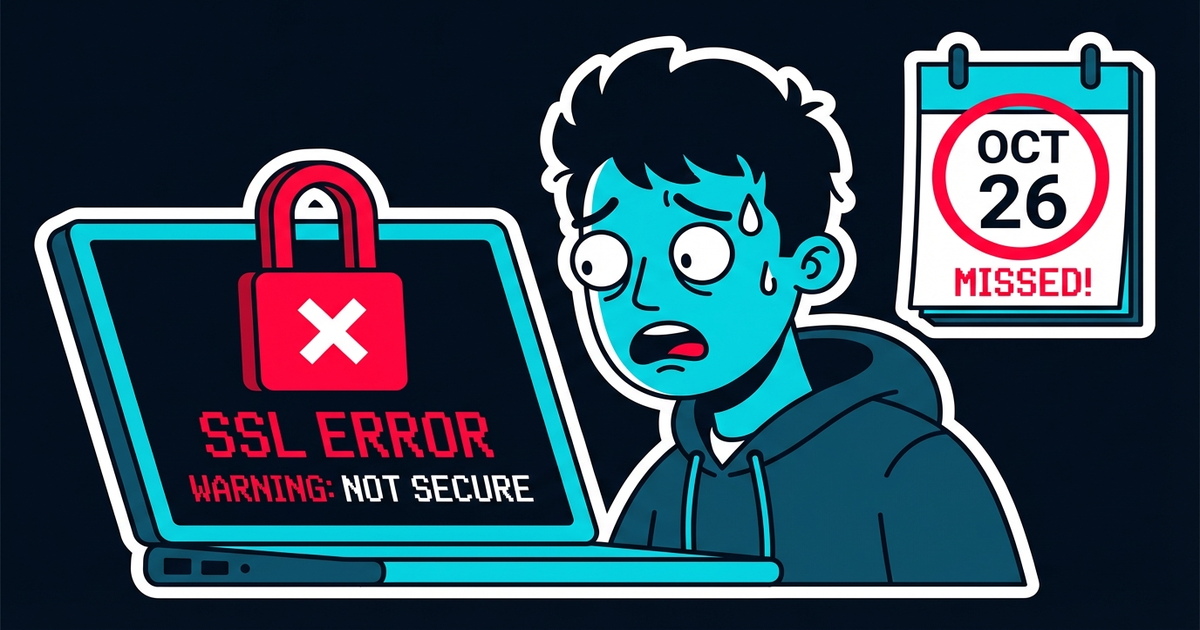
I pulled up the site. Sure enough: "Your connection is not private." The big red warning. The one that makes normal people immediately close the tab and never come back.
The SSL certificate had expired. Not because Cloudflare stopped working—because I'd done some custom configuration that required manual renewal, and I'd completely forgotten.
The certificate had been expired for six hours.
The Damage
Six hours doesn't sound like much. Here's what happened:
- 3 support emails from confused users
- 1 churned customer who decided it was "too risky"
- Unknown number of visitors who saw the warning and left forever
- My credibility took a hit
One customer wrote: "If you can't keep your SSL certificate valid, what else are you forgetting?"
Fair point.
Why This Happens
SSL certificates expire. That's not news. But here's why developers forget:
- You set it up once and assume it's handled
- Renewal emails go to spam or get lost in noise
- No system is watching specifically for this
- You're focused on features, not infrastructure
I had uptime monitoring. My site was "up" the whole time—it responded to pings. But uptime monitoring doesn't check SSL validity.
What I Should Have Done
After this mess, I set up proper SSL monitoring. Now I know:
- When certificates expire
- 30 days before (first warning)
- 7 days before (urgent warning)
- On expiry (critical alert)
One simple check would have prevented the whole situation.
The Broader Lesson
SSL is just one example. There's a whole category of "set and forget" things that aren't actually forget-safe:
- SSL certificates expire
- Domains need renewal
- API keys get rotated
- Dependencies become vulnerable
- Backups stop running silently
If you're not actively monitoring these, you're hoping they don't break. Hope isn't a strategy.
Why I Built SlyDuck
This experience (and a few others like it) is why SlyDuck exists. I wanted one place that watches all the things I'm likely to forget:
- SSL expiring? I'll know 30 days out.
- Dependency has a CVE? I'll see it tomorrow morning.
- Site goes down? I'll know in 5 minutes.
- Performance tanks? It shows up in my health score.
It's not about being paranoid. It's about not relying on memory for things that have real consequences.
The Fix Is Simple
Whether you use SlyDuck or something else, please monitor your SSL certificates. It takes 2 minutes to set up and prevents embarrassing, trust-destroying situations.
Your future self—the one who's busy with a launch or a family thing when the certificate expires—will thank you.
Postscript
The customer who churned? I reached out personally, explained what happened, showed them the monitoring I'd set up. They came back.
But I got lucky. Not everyone gives second chances.
---
SlyDuck monitors SSL expiry automatically. Get warnings 30 days out. Don't learn this lesson the hard way.
Learn from my SSL mistake
SlyDuck monitors SSL certificates across all your projects and warns you 30 days before expiry. Don't learn this lesson the hard way like I did.
Never Forget SSL AgainJames Wolf
Founder @ SlyDuck
Building SlyDuck: the growth dashboard for vibe coders. Builder, leader, Dad, creator.
Related Articles
The 5-Minute Project Health Check
You just connected a project to SlyDuck. In five minutes, you'll know more about its health than you did in the last six months. Here's what happens.
Stop Checking 5 Dashboards Every Morning
You wake up, grab coffee, and start the ritual: Vercel, then UptimeRobot, then GitHub, then PageSpeed, then... There's a better way.