
Backups Are Boring Until GitHub Goes Down
Git is not a backup strategy. GitHub is not invincible. Here's why you need actual backups.

James Wolf
Founder @ SlyDuck
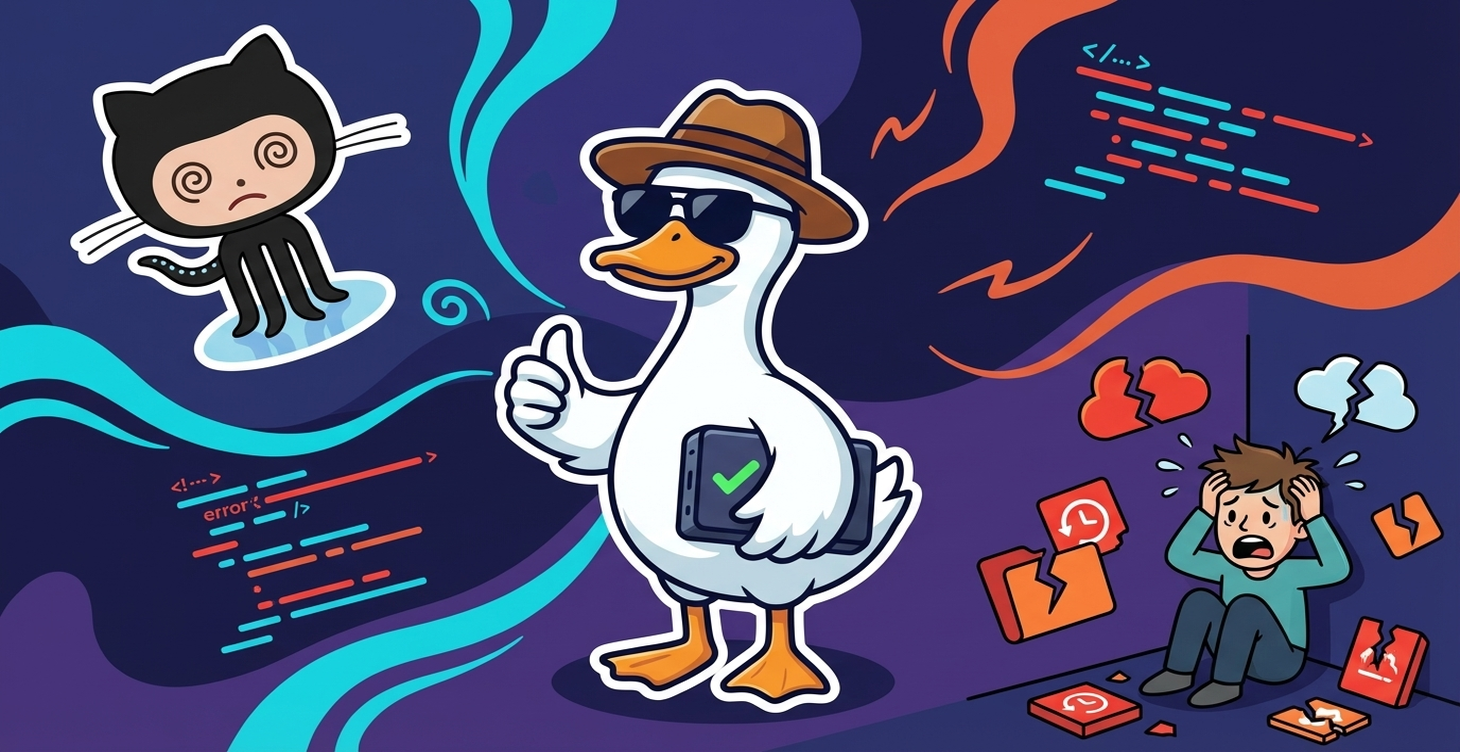
"But My Code Is in Git"
Yes, your code history is in Git. But where is your Git repository stored? GitHub. One account compromise. One billing issue. One provider outage. And your "backup" is inaccessible.
GitHub Is Not Invincible
The Outages
GitHub has outages. When GitHub is down, your CI/CD stops. Your deploys stop.
The Account Risks
- Account suspended
- Accidental repository deletion
- Force-push that overwrites history
The 3-2-1 Backup Rule
3 copies: GitHub, local clone, secondary remote
2 different media: Cloud and local
1 offsite: Different provider than primary
Practical Backup Strategy
Level 1: Multiple Remotes
Add a secondary remote to every important repo.
Level 2: Regular Local Archives
Weekly compressed archive of important repos.
Level 3: Automated Backup Service
Daily git reference backups and weekly full archives.
The Minimum Viable Backup
- Enable 2FA on GitHub
- Keep a local clone
- Enable database backups
- Test a restore once
---
SlyDuck automates GitHub repository backups: daily git references and weekly full archives. Protect your code.
Automated backups while you sleep
SlyDuck backs up your GitHub repos automatically—daily git references and weekly full archives. Be ready for the next outage.
Protect Your CodeJames Wolf
Founder @ SlyDuck
Building SlyDuck: the growth dashboard for vibe coders. Builder, leader, Dad, creator.
Related Articles
Bolt.new to Production: The Complete Deploy Checklist
Bolt gets you 70% of the way to a working app. Here's how to handle the other 30% before you go live.
Supabase Project Paused? How to Prevent It (2026 Guide)
Your Supabase project went inactive and now it's paused. Your users are getting errors. Here's how to fix it, prevent it, and decide if it's time to upgrade.