
The Overnight Deploy That Broke Everything (And How to Catch It)
You shipped a bug at 11 PM. Your site broke at 2 AM. You found out at 8 AM from angry users. Here's how to never have that morning again.

James Wolf
Founder @ SlyDuck
The 3 AM Problem
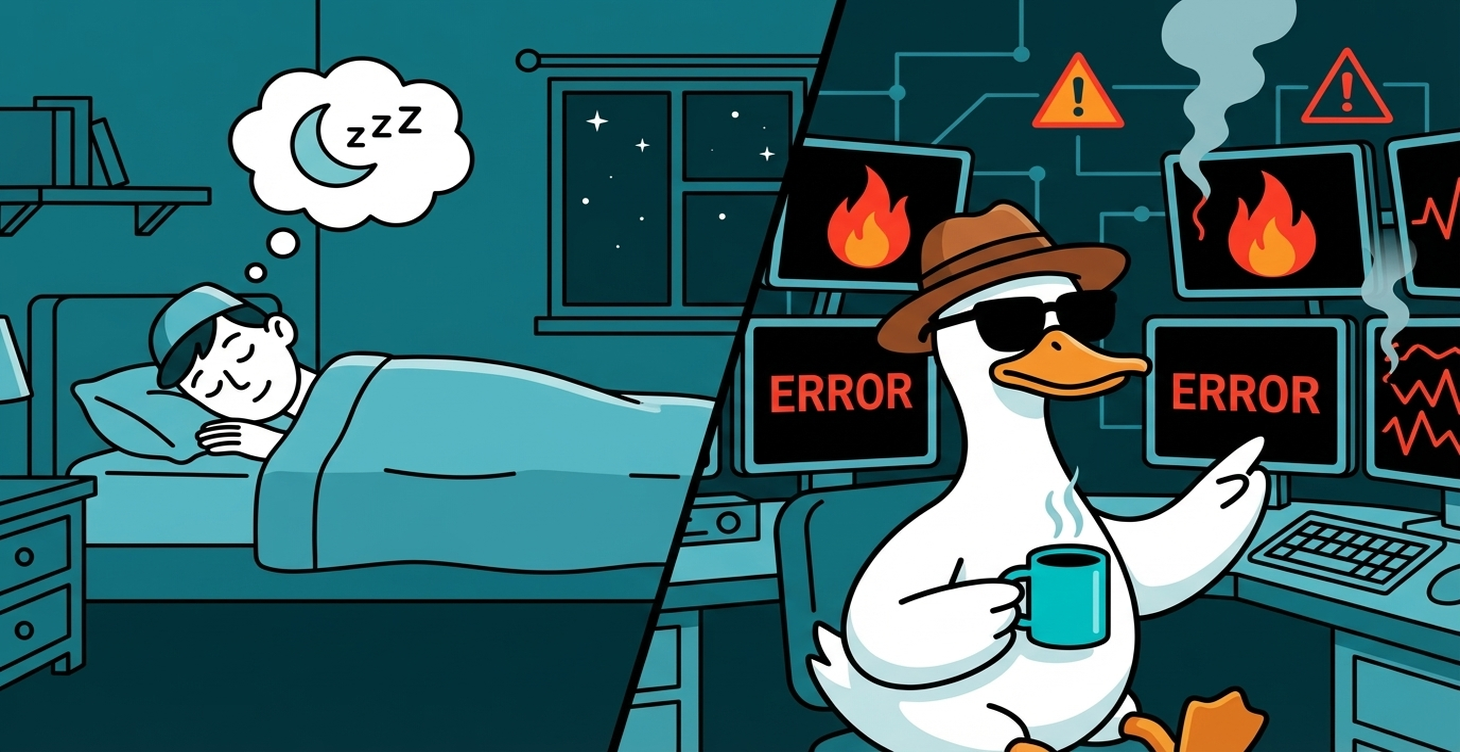
You push at 10:47 PM. Tests pass. Vercel deploys. You close your laptop.
At 2:14 AM, something breaks. You're asleep. Your site is dying. Your users find out first.
This doesn't have to happen.
Why Night Deploys Are Dangerous
- No eyes on production
- Delayed feedback
- Compounded damage over hours
- Hard to debug in the morning
The Simple Solution: Watch Your Deploys
Immediate Post-Deploy Check
Health check runs automatically after every deploy.
Continuous Monitoring
Uptime monitoring every few minutes. Alert the moment the site goes down.
Error Rate Monitoring
Alert when error rates spike.
How to Handle Alerts
Wake up for: Site completely down, critical feature broken, security incident
Check in the morning for: Non-critical errors, performance degradation
The Pre-Sleep Deploy Checklist
- Run full test suite
- Check production health after deploy
- Monitor for 15 minutes
- Set conservative alerts
Or: Just wait until morning.
---
SlyDuck monitors your sites around the clock. Get alerted the moment something goes wrong. Sleep better.
Wake up to answers, not surprises
SlyDuck monitors your sites 24/7. If something breaks at 2 AM, you'll know about it immediately—not from angry users in the morning.
Sleep Soundly TonightJames Wolf
Founder @ SlyDuck
Building SlyDuck: the growth dashboard for vibe coders. Builder, leader, Dad, creator.
Related Articles
Bolt.new to Production: The Complete Deploy Checklist
Bolt gets you 70% of the way to a working app. Here's how to handle the other 30% before you go live.
Supabase Project Paused? How to Prevent It (2026 Guide)
Your Supabase project went inactive and now it's paused. Your users are getting errors. Here's how to fix it, prevent it, and decide if it's time to upgrade.