
The AI Crawler Wars: Is Your Site Feeding the Models or Getting Blocked?
GPTBot, ClaudeBot, PerplexityBot — they're all crawling your site right now. Some you want. Some you don't. Here's how to take control of your AI visibility.

James Wolf
Founder @ SlyDuck
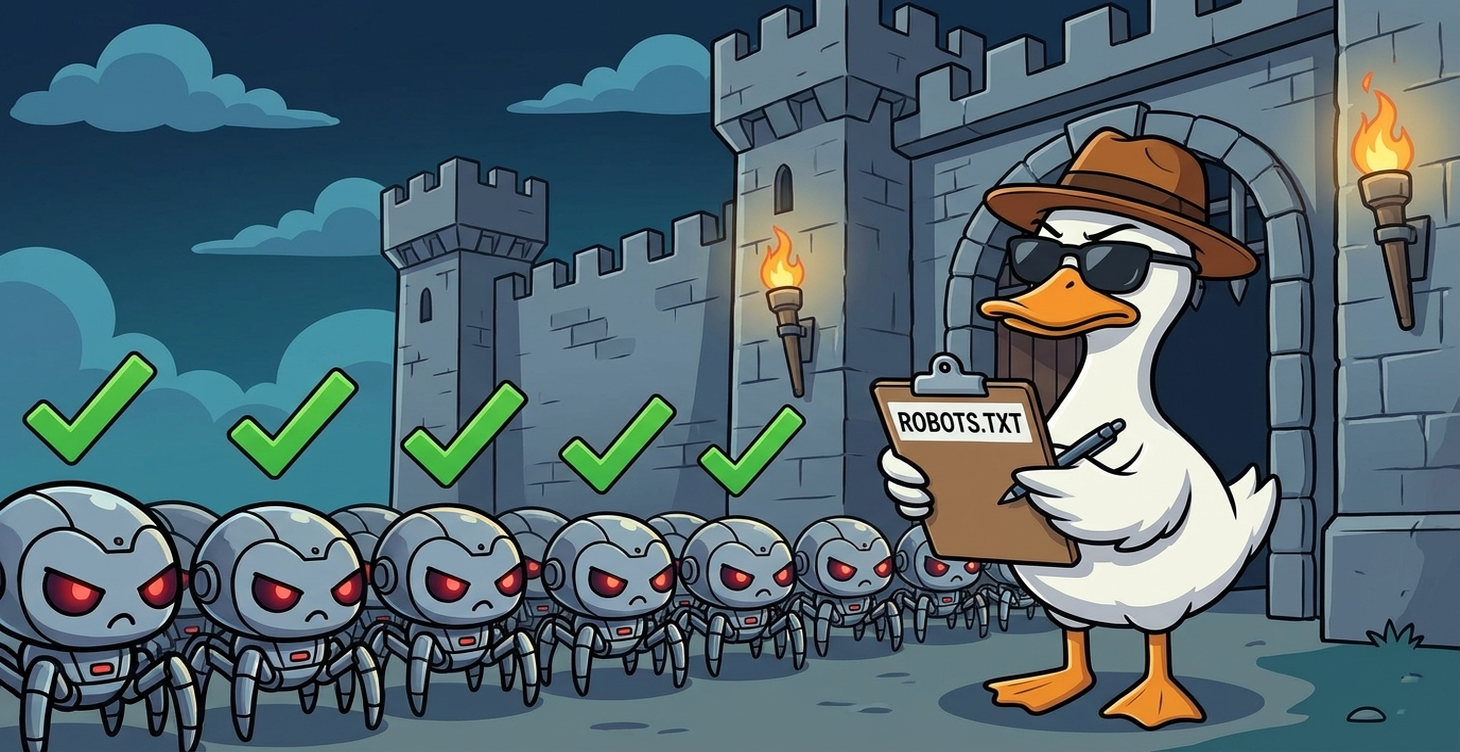
The Robots Are Here (And They're Hungry)
While you were sleeping, your website got visited by:
- GPTBot (OpenAI)
- ClaudeBot (Anthropic)
- PerplexityBot (Perplexity AI)
- Google-Extended (Google's AI training crawler)
- Bytespider (ByteDance/TikTok)
- CCBot (Common Crawl, used by many AI companies)
- And probably a dozen others you've never heard of
They're reading your content. They're learning from it. They might be using it to answer questions that would otherwise drive traffic to your site.
Is that... fine? Bad? It depends. But first, you need to understand what's actually happening.
What AI Crawlers Actually Do
Training Crawlers
These crawlers gather data to train AI models. Your blog posts, your documentation, your product pages—all of it becomes training data for the next GPT/Claude/whatever.
Examples: GPTBot, Google-Extended, CCBot
Retrieval Crawlers
These crawlers power real-time AI search. When someone asks Perplexity "what's the best uptime monitoring tool," these crawlers fetch current content to answer.
Examples: PerplexityBot, ChatGPT's browsing feature
The Difference Matters
- Block training crawlers: Your content doesn't train future models
- Block retrieval crawlers: Your content doesn't appear in AI-powered search results
Choose wisely.
The robots.txt Reality Check
Most websites either:
- Have no robots.txt (everything allowed)
- Have a robots.txt from 2015 (doesn't mention AI crawlers)
- Copied someone else's robots.txt (might not match their needs)
Here's what AI-aware robots.txt entries look like:
# Block all AI training crawlers
User-agent: GPTBot
Disallow: /

User-agent: Google-Extended
Disallow: /

User-agent: CCBot
Disallow: /

# But allow AI search/retrieval
User-agent: PerplexityBot
Allow: /
The Strategic Question: Block or Allow?
This isn't a simple yes/no. It's about understanding the tradeoffs.
Reasons to Allow AI Crawlers
1. Visibility in AI Search
When someone asks Claude or ChatGPT about your topic, do you want to be cited? AI assistants increasingly drive discovery.
2. Future-Proofing
AI search is eating traditional search. If you block everything, you might become invisible to an entire generation of users.
3. Brand Authority
Being cited by AI as a source builds credibility. "According to SlyDuck's documentation..." is free marketing.
Reasons to Block AI Crawlers
1. Content Protection
If you sell content (courses, premium articles), you don't want it summarized for free by AI.
2. Competitive Moat
Your unique content is your advantage. Why give it to AI models that might help competitors?
3. Traffic Preservation
If AI answers the question, users don't visit your site. Less traffic = less conversion.
4. Data Rights
It's your content. You created it. You should decide how it's used.
The Nuanced Approach
Most sites shouldn't go all-or-nothing. Here's a framework:
Allow: Documentation and Help Content
You WANT people to find answers. If AI helps them find your docs, great.
Allow: Marketing Pages
These exist to attract customers. More visibility = good.
Block: Premium/Gated Content
If you charge for it, don't let it be summarized for free.
Block: Fresh Blog Content (Maybe)
Consider a time delay. Let your content rank in traditional search first, then open it to AI after 30-60 days.
Allow: Retrieval Crawlers for AI Search
PerplexityBot and similar help users discover you in real-time. Usually worth allowing.
Consider Blocking: Training Crawlers
Your content training OpenAI's next model doesn't directly benefit you. Blocking is reasonable.
How to Check Your Current Status
Here's the problem: Most developers don't actually know what their robots.txt allows.
- Find your robots.txt: Visit yourdomain.com/robots.txt
- Check for AI entries: Look for GPTBot, ClaudeBot, PerplexityBot, etc.
- If they're not listed: Default is "allow everything"
Or, use a tool that checks for you. (Yes, SlyDuck does this—shows you exactly which AI crawlers can access your site and which are blocked.)
What the Big Players Are Doing
News Sites: Mostly Blocking
NYT, CNN, and major publishers block training crawlers. They want to negotiate licensing deals instead.
Documentation Sites: Mostly Allowing
Read the Docs, MDN, and similar sites allow AI access. Discovery matters more than protection.
SaaS Marketing Sites: Mixed
Some allow everything for visibility. Others block training but allow retrieval.
E-commerce: Strategic Blocking
Product pages often allowed, but unique content (guides, reviews) sometimes blocked.
The robots.txt Template for 2026
Here's a starting point for most SaaS/developer sites:
# Standard crawlers - allow
User-agent: Googlebot
Allow: /

User-agent: Bingbot
Allow: /

# AI Retrieval/Search - allow (you want to appear in AI search)
User-agent: PerplexityBot
Allow: /

# AI Training - block (your content, your choice)
User-agent: GPTBot
Disallow: /

User-agent: Google-Extended
Disallow: /

User-agent: CCBot
Disallow: /

User-agent: anthropic-ai
Disallow: /

User-agent: ClaudeBot
Disallow: /

User-agent: Bytespider
Disallow: /

User-agent: cohere-ai
Disallow: /

# Default
User-agent:
Allow: /
Disallow: /api/
Disallow: /admin/
Adjust based on your strategy.
The Bigger Picture
AI crawlers are just the beginning. As AI becomes more integrated into how people find information, your "AI visibility strategy" becomes as important as your SEO strategy.
Questions to ask yourself:
- Where do my target customers search for information?
- How much of my content is truly unique vs. commodity?
- What's my moat if AI can summarize my content?
- How do I want to appear in AI-powered discovery?
Taking Action
- Audit your current robots.txt. Know what you're allowing.
- Decide your strategy. Training vs. retrieval, block vs. allow.
- Update robots.txt accordingly. It's just a text file.
- Monitor regularly. New AI crawlers appear constantly.
- Review quarterly. Your strategy should evolve with the landscape.
The AI crawler wars are just beginning. Make sure you're fighting on the right side—whichever side that is for you.
---
SlyDuck's SEO scans show you exactly which AI crawlers can access your site, with recommendations based on your content type. Check your AI visibility — first project is free.*
See who's crawling your site
SlyDuck's SEO scan shows exactly which AI crawlers can access your content—and which ones you're blocking. Make informed decisions about your AI visibility.
Check Your AI VisibilityJames Wolf
Founder @ SlyDuck
Building SlyDuck: the growth dashboard for vibe coders. Builder, leader, Dad, creator.
Related Articles
The Real Cost of Vibe Coding: Technical Debt Nobody Warns You About
"Two engineers can now create the tech debt of fifty." Here's what that actually means for your AI-built projects—and how to manage it.
Is Lovable Secure? What CVE-2025-48757 Means for Your App
In May 2025, a vulnerability exposed 170+ Lovable-built apps. Here's what happened, whether it affects you, and what to do about it.