
Vercel Deployment Monitoring
Connect your Vercel project directly. Track deployments, build status, and production vs preview environments — all alongside uptime, performance, and SEO data. Know exactly when deploys cause problems.
Deploy broke something? Know immediately. Roll back faster.
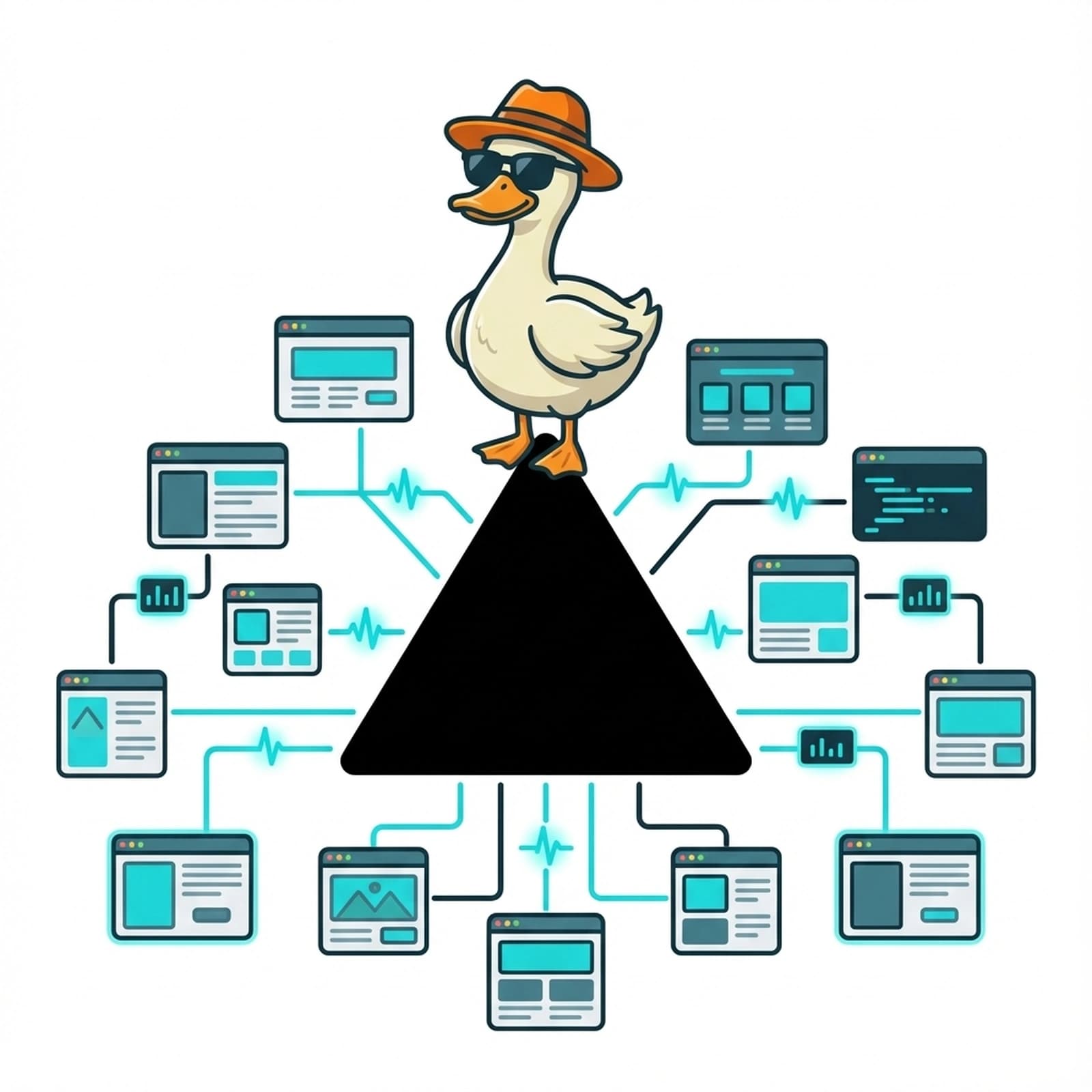
Everything You Need to Monitor Your Vercel Stack
Deployment Tracking
See every Vercel deployment in SlyDuck. Production vs preview. Build status: Ready, Building, Error, Queued. Git commit references. Deployment history over time.
Build Duration Metrics
Track how long builds take. See trends. Know when your deploy pipeline is slowing down before it becomes a problem.
Cross-Platform Insights
Combine deployment data with uptime. If your app goes down right after a deploy, SlyDuck shows the correlation. Debug faster.
24/7 App Uptime
Monitor your deployed Vercel site around the clock. Instant email alerts when something goes wrong.
Learn moreDuckSpeed Performance
Lighthouse analysis for your Vercel site. Core Web Vitals, performance scores. See if new deploys made your site faster or slower.
Learn moreAutomated Reports
Weekly reports showing deployments, uptime, performance. Know if your deploy frequency is impacting stability.
Deploys Are Just the Beginning
The Problem
- -Vercel deploys automatically. But did that deploy break something?
- -Checking the Vercel dashboard doesn't tell you if users can reach your site
- -Deploy → site slow → you don't know for hours
- -Separate tools for deploys, uptime, performance = no correlation
The Solution
- SlyDuck connects to Vercel for deployment data
- See deploys alongside real-time uptime and performance
- If a deploy causes issues, the timeline shows it
- One dashboard: deployments + uptime + performance
How It Works
Connect your Vercel account
Authorize SlyDuck to access your Vercel projects. We'll pull deployment status, build times, and history automatically.
Add your site URL
Paste your deployed URL. We monitor uptime 24/7 and run DuckSpeed performance analysis after each deploy.
See deploys in context
Dashboard shows deployments on a timeline with uptime and performance. Correlate everything.
"I used to check Vercel, then check uptime, then check PageSpeed. Now SlyDuck shows me deploys with a performance graph right next to it. When my last deploy slowed the site by 200ms, I saw it immediately."
— Sam K., Frontend developer
Frequently Asked Questions
What Vercel data does SlyDuck show?
Deployment status (Ready, Building, Error, Queued, Initializing, Canceled), production vs preview, git commit info, build duration, deployment timestamps, and project metadata.
Does SlyDuck trigger Vercel deploys?
No — SlyDuck is monitoring only. We track deployments Vercel makes, but don't initiate them. You keep full control over your deploy process.
Can I see how deploys affect performance?
Yes! SlyDuck shows deployments on the same timeline as performance data. If your Core Web Vitals changed after a specific deploy, you'll see the correlation.
Can I combine Vercel + Supabase monitoring?
Absolutely! Connect Vercel, Supabase, and add your app URL. See deployments, database health, and uptime together. Maximum visibility across your entire stack.